Welcome to Amazon China Luxury Service Platform!
Home > Computing > Computers & Accessories > Networking Products > Router Wireless lte wifi modem Sim Card 4G Router MIFI pocket hotspot 10 WiFi users built-in battery
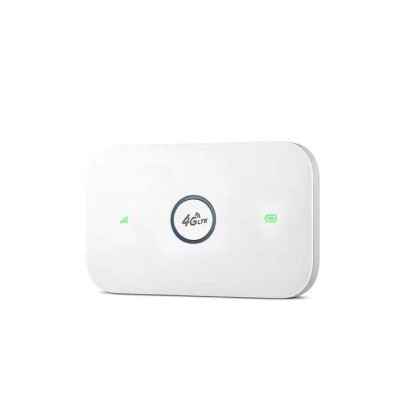
Router Wireless lte wifi modem Sim Card 4G Router MIFI pocket hotspot 10 WiFi users built-in battery
Price KSh 2222.0
Shipping: Free Shipping Sold: 0 pcs Reward: 0 points
Quantity
Stock 100 pcs
  Buy Now Add to Cart

Best Sellers Ranking

*The battery would be gone during transportation ,Pls use 5V1A charge to charge 3 hours before use. and pls take off insulating film from battery metal pins .Otherwise it might not work .
*the device is free of charge. You need to prepare a SIM card that can access the Internet and insert it into the device to use it.


*Router login info:

Router IP address :192.168.100.1
Default WiFi name :4G-UFI-XXXX
Default WiFi password :1234567890

PRODUCT INTRODUCTION

This is a pocket 4G LTE wifi router ,with built-in rechargeable lithium battery , support 8 WiFi users , use big SIM card (compatible with Micro and Nano SIM ).

This MIFI doesn't include SIM card , user need to buy a SIM card from local operators to use this device .

this device provide high speed 4G LTE WiFi access , support 8 WiFi users and able to work as USB modem on Windows computer .

This wifi router support both 3G&4G networks.

Tablet ,Laptop, computer, Mac books ,mobile phones and different types of WI-FI devices can connect to the 4G WiFi routert to access to Internet

PRODUCT FEATURES

 High speed LTE Chipset, Support TDD-LTE/FDD-LTE/UMTS/ networks
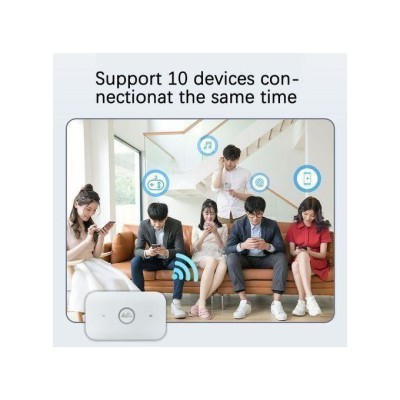
 Up to 8 WiFi users
 Big rechargeable lithium battery
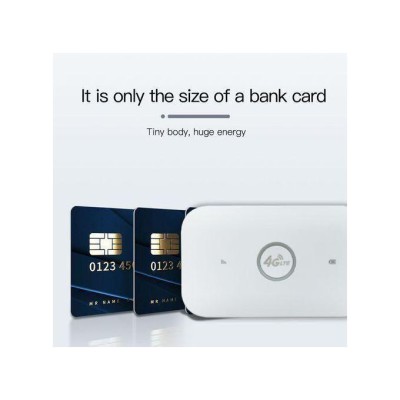
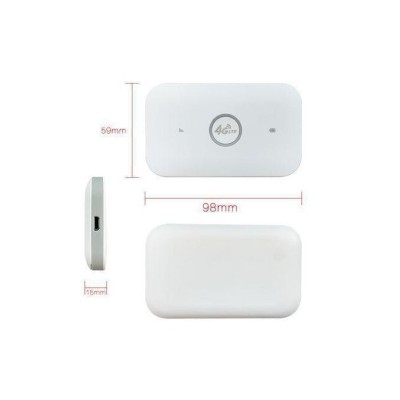
 small size pocket WiFi Hotspot
 USB modem on Windows computer


Troubleshooting for no network:
1.Check whether the SIM card is inserted correctly:The correct way to insert the SIM card is with the chip facing down. One end of the sim card is completely straight, while the other end has a slanted corner. Insert the card into the slot using the straight end.
2.If there is no problem with the card insertion, you need to wait a little longer for 1 minute for the first use because it needs to register the network, so it will be a little slower, and then it will be very fast in 30 seconds
3.Add APN:Some SIM card operators set specific network configurations,you need to manually add APN. The APN information needs to be obtained from the card vendor. To add APN: (1) Put a SIM card into the device and turn it on; (2) Connect your phone or computer to the device's WIFI; (3) Open the IP address, log in to the backend, find the APN setting, click: Add, add the APN of this SIM card as required, and save it.
4.You can try to change the SIM card to see if it is a SIM card problem, or try to use it in another place to see if the signal is poor at the current location.


0
Cart